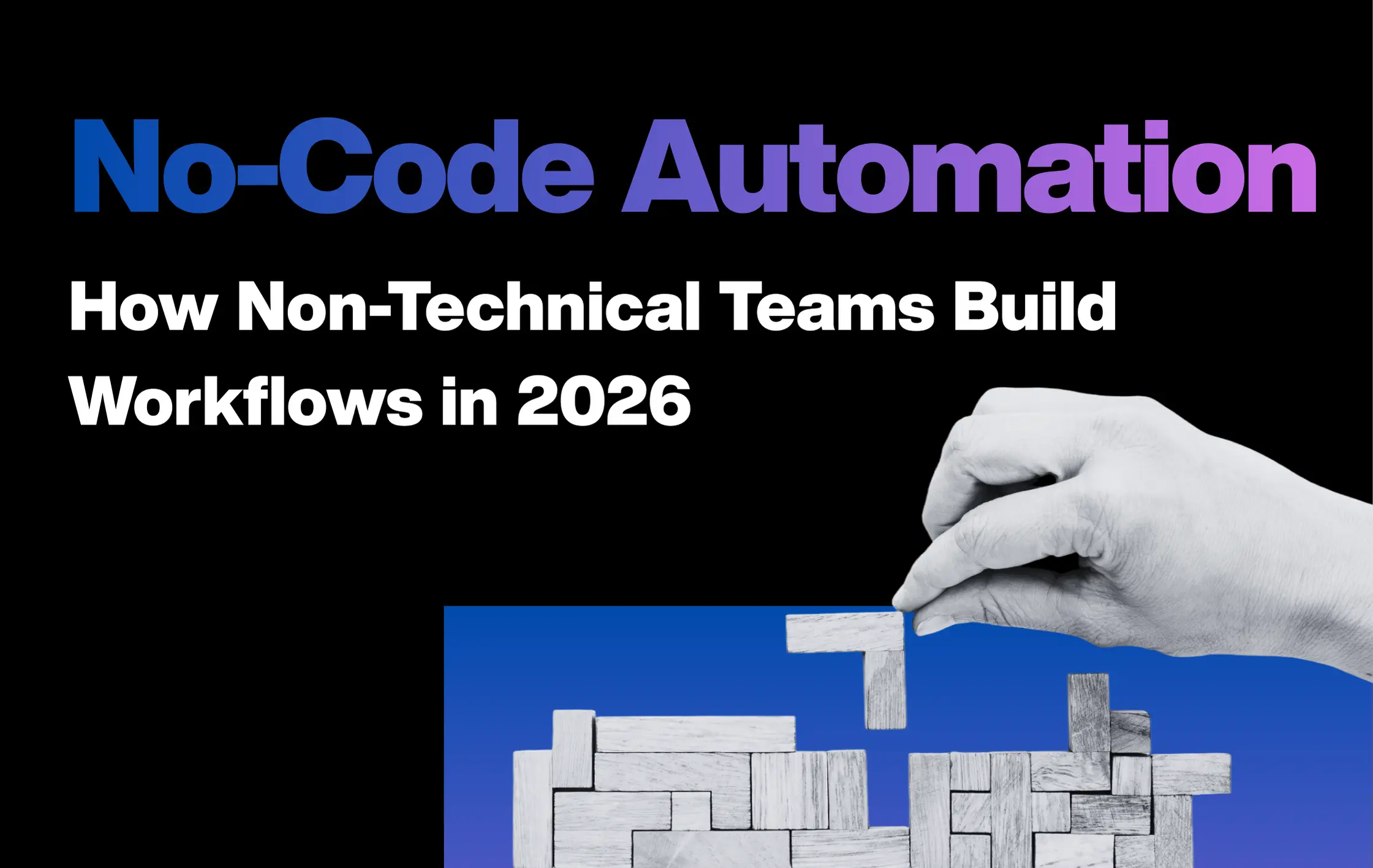
Have you ever waited weeks for a small change in your system? Or needed IT just to approve a simple task? Many teams face this problem every day. No-code automation in 2026 helps by letting people build workflows without writing code. It works like arranging blocks on a screen instead of typing instructions.
Today, the tools are strong, stable, and ready for real business use. Teams in HR, operations, finance, and customer support can create approvals, notifications, and data flows quickly. In this blog, we will show how teams build workflows, where no-code works best, and when you might still need expert help.
Contents
What Is No-Code Automation?
No-code automation lets work happen on its own, without writing code. It is like setting simple rules: It is like “If this happens, do that.” You can use visual workflow builders to join steps or blocks in order, like putting puzzle pieces together. The screens let anyone, even non-technical people, make tasks run automatically.
Also, citizen developers and business users can move information, send messages, or update files without doing it by hand. This saves time, stops mistakes, and helps teams finish work faster and easier.
4 Main Components of No-Code Automation
Every no-code workflow is made from a few main building blocks. Once you know them, business user automation feels simple. With these components, you can use drag-drop automation to connect steps and see work happen automatically.
The 4 key components are:
- Triggers
A trigger is the starting point of a workflow. It tells the system, “Start doing the work now.” Without a trigger, nothing happens.
Examples of triggers:
- Someone submits a new form
- A new email arrives in the inbox
- A customer places an order online
When the trigger occurs, the system collects the information and sends it to the next steps. Triggers make automation reactive, so things happen exactly when you need them to.
- Actions
Actions are the steps that run after the trigger. They are the “doing” part of the workflow. Actions always follow the order you set, and they happen automatically every time the trigger fires.
Common actions:
- Sending emails or notifications
- Updating customer records
- Creating tasks in a project tool
These steps allow citizen developers and business teams to automate daily work without asking IT. Repetitive tasks like reporting or follow-ups can run on their own.
- Conditions
Conditions help a workflow make decisions. They work like a “yes or no” question. Based on the answer, the workflow continues in one path or another.
Example:
- If a support ticket is urgent → assign it to the priority queue
- If it is not urgent → assign it to the normal queue
Conditions let automation handle choices automatically, just like a human deciding what to do next.
- Integrations
Integrations connect different apps so they can work together. They move data automatically between tools without extra effort.
Examples of integrated tools:
- Email platforms
- CRM systems
- Spreadsheets or databases
With integration, business users can link all these apps into one smooth flow. This keeps information up to date, reduces errors, and saves time across the company.
No-Code vs Low-Code vs Traditional Automation
Automation comes in different levels. The main difference is how much coding you need, how much control you get, and how long it takes. Let’s compare them side by side.
- Technical Skill Required
Anyone can use automation, but the level of coding changes:
- No-code automation: Built for non-technical users. You use visual tools and ready-made steps to create workflows.
- Low-code platforms: Use visual builders plus small code snippets. Good for connecting older apps or systems that no-code tools can’t reach.
- Traditional automation: Requires developers and programming languages. Everything is built from scratch, giving full control.
- Flexibility and Customization
More code means more control:
- No-code follows built-in rules and has fewer options to change.
- Low-code allows custom logic and extra steps for special needs.
- Traditional automation gives full control, even for complex data flows and tools like robotic process automation (RPA).
3. Time to Build and Maintain
Speed changes with complexity:
- No-code: small workflows can be ready in minutes or the same day.
- Low-code: takes days or weeks to set up and test.
- Traditional: can take weeks or months, plus ongoing maintenance and testing.
How AI Influences No-Code Automation in 2026
AI acts like a helpful guide inside no-code tools. It doesn’t replace people but makes building workflows easier and faster.
It can:
- Suggest what to do next
- Spot missing fields
- Explain errors in plain language
You can even tell the system what to do in simple sentences. For example: “When someone fills out a form, summarize their response and save it in a report.” The AI reads this and builds the workflow automatically. Also, AI uses natural language to understand text, so it can handle customer messages or feedback without extra help.
With AI, non-technical teams can set up workflows with confidence. It reduces mistakes, saves time, and helps teams focus on real work instead of struggling with tools.
10 Best Tools for No-Code Automation in 2026
Many no-code tools exist, but not all are practical for real business use. This is a curated list of the most reliable platforms for real teams. Here, you’ll see how no-code automation in 2026 can help non-technical teams work faster and smarter.
Tool 1: Zapier
Zapier is one of the top no-code automation tools in 2026. It connects over 8,000 apps without writing a single line of code. Users create “Zaps,” which are multi-step workflows that let apps talk to each other automatically.
Key Features
- Uses AI-assisted workflow building (Copilot turns plain instructions into working automations)
- Integrates with ChatGPT, letting users create smarter workflows without APIs
- Offers Zapier Agents to run multi-step actions across apps
- Provides Tables to organize and store automation data
- Features smart chatbots that answer questions using your content
Pros
- Connects more apps (8,000+) than any platform
- Very reliable with 99.9% uptime
- Easy for non-technical teams
- Supports AI workflows and enterprise-grade security
Cons
- Can get expensive with many automations
- Multi-branch workflows can be tricky to debug
- Limited options for loops and error handling
Pricing Overview
- Free: 2-step Zaps, 100 tasks/month
- Professional: $19.99/month, 750 tasks
- Team: $69/month, 2,000 tasks, 25 users
- Enterprise: Custom pricing, unlimited users
Best Use Cases
- Marketing: Move data between CRMs and platforms automatically
- IT & Support: Route tickets and manage workflows
- Engineering: Automate notifications, documentation, project handoffs
- E-commerce / Leads: Keep data synced and automate lead management
Tool 2: Make (formerly Integromat)
Make helps teams see exactly how data moves between apps. It’s great for business user automation with complex workflows. Using drag-drop automation, Make shows your workflow on a visual canvas, so you can track every step without writing code. This makes it easier for teams to build and manage multi-step processes quickly and clearly.
Key Features
- Visual editor / canvas: drag-and-drop, see data flow, splits, loops, stops
- Error handling & ACID principles: keeps data safe and consistent
- AI Agents & Make Grid: automate tasks and manage complex workflows visually
- AI service integrations: OpenAI, Anthropic for sentiment checks, responses, or Q&A
Pros
- Full control over complex data flows
- Cost-effective for large workflow volumes
- Advanced conditional logic and error handling
- Execution tracking with detailed logs
- Works with 3,000+ apps
Cons
- Steeper learning curve
- Debugging complex scenarios can increase costs
- New users may find the interface overwhelming
- Limited options for lesser-known apps
Pricing Overview
- Free: 1,000 operations/month
- Core: 10,000 credits, $10.59/month
- Pro: $18.82/month, faster execution
- Team & Enterprise: $34+/custom pricing, role-based access and overage protection
Best Use Cases
- Email marketing: Route leads automatically based on behavior
- HR: Combine job applications from multiple sources
- Engineering: Manage data transformation workflows precisely
Tool 3: Activepieces
Activepieces is an open-source tool that helps teams automate workflows visually. It connects 510+ apps and works for non-technical users while giving developers freedom to customize behind the scenes. With an MIT license and a growing community, Activepieces keeps expanding with new integrations.
Key Features
- Drag-and-drop flows: build workflows without coding
- Pre-built pieces/connectors: Google Sheets, HubSpot, Slack
- TypeScript customization: add developer-level integrations
- AI integration & Copilot: create flows faster with AI help
- Self-hosting support: control your data securely
- Open-source ecosystem: community contributions expand functionality
Pros
- Easy for non-technical teams
- 510+ pre-built integrations
- Self-hosting for full data control
- Open-source: fully customizable
- Budget-friendly flat-rate pricing
Cons
- Developing custom pieces needs technical skill
- Self-hosting requires server management
- Fewer integrations than top platforms
- Learning curve for new users
- Some reported integration issues
Pricing Overview
- Standard: free for 10 flows, $5 per active flow/month
- Ultimate: annual plan with advanced security, SSO, RBAC
- Embed: $30,000/year for white-label solutions
- Community Edition: free, unlimited self-hosted flows
Best Use Cases
- Engineering: automate documents, AI agents, data integration
- Marketing: lead management, workflow orchestration
- IT teams: process automation
- Ideal for organizations needing customizable solutions with full data control
Tool 4: Kissflow
Kissflow is a cloud-based platform that lets teams automate workflows quickly without coding. It bridges the gap between IT and business users and makes teamwork smooth. It is one of the simple no-code automation in 2026 with a drag-and-drop interface.
Key Features
- No-code + low-code: simple tools for business users, advanced features for IT
- AI-powered system: smart suggestions for workflows
- Form builder: collect data easily from teams or customers
- Workflow orchestration: manage structured and unstructured processes
- Reporting & analytics: get practical insights on performance
- Cloud access: approve tasks and collaborate remotely
Pros
- Quick process setup
- Flexible for different business types
- AI-assisted automation
- Simple interface for non-technical users
- Cloud-based collaboration
Cons
- Limited deep customization
- Complex workflows can slow performance
- Pricing increases with usage
- Post-approval edits are tricky
- Mobile experience is limited
Pricing Overview
- Basic Plan: $250/month, suitable for small teams
- Enterprise Plan: custom pricing, unlimited apps, workflows, integrations, SSO, SCIM, SLA-backed support
- Build unlimited apps and processes with both plans
Best Use Cases
- IT & citizen developers: create custom apps and manage departmental processes
- Engineering: automate invoices, purchase requests, employee onboarding
- Case management: handle tickets and support requests efficiently
- Reduce manual errors across workflows
Tool 5: Jira Automation
Jira Automation is a no-code rule builder for Atlassian products. It helps software and IT teams stop doing repetitive tasks manually. Using a simple trigger-condition-action model, teams can automate project workflows quickly.
Key Features
- No-code rule builder: create rules quickly and easily
- Triggers, Conditions, Actions: start rules, adjust them, and perform tasks
- Branching capabilities: manage complex task relationships
- Smart values: access and change issue data automatically
- Audit logs: track rule executions to improve processes
- Integration: works with Slack, Microsoft Teams, GitHub
Pros
- Standardized task execution reduces manual mistakes
- Saves hours on repetitive workflows
- Creates consistent project management processes
- Easy for growing teams
- Works with popular collaboration tools
Cons
- Subscription limits how many rules you can run
- Free plan only allows 100 rule runs/month
- Limited handling of unstructured data
- No advanced AI decision-making
Pricing Overview
- Free plan: 100 rule runs/month
- Standard: $7.53/user for 1,700 rule runs/month
- Premium: $13.53/user with pooled rule runs
- Enterprise: custom pricing, unlimited rule runs
Best Use Cases
- Automatically close parent tasks when sub-tasks finish
- Software development: automate Jira workflows
- IT teams: route tickets and manage service tasks
- Notifications: send emails when task status changes
Tool 6: Whalesync
Whalesync is a no-code tool that keeps data in sync between apps. It connects SaaS tools in both directions, so updates flow both ways. Unlike trigger-based tools, it maintains live data links. Setup is simple, even for non-technical teams using visual workflow builders.
Key Features
Whalesync focuses on clean, real-time data syncing instead of task automation. Think of it like a bridge that keeps both sides updated at the same time.
- Two-way sync keeps data the same across apps
- Changes appear in seconds, not hours
- Historical sync helps manage old records
- Filters control what data moves
- Matches existing records using primary keys
- Supports rich text, images, and complex fields
Pros
- Strong two-way data connections
- Simple three-step setup
- SOC 2 Type II certified
- Fast sync speed
- Handles complex data fields
Cons
- Fewer app integrations
- Team access can be limited
- Occasional sync issues
- No custom automation rules
- Error messages need clarity
Pricing Overview
- Personal: $5/month (250 records)
- Starter: $20/month (500 records)
- Plus: $40/month (1,000 records)
- Pro: $200/month (2,000+ records)
Best Use Cases
- Build internal tools without developer help
- Sync Airtable and Webflow for SEO pages
- Keep CRM data consistent across tools
- Power Webflow community hubs and calendars
Tool 7: Pipefy
Pipefy is a no-code platform that helps teams build and run workflows fast. It is often used in HR, IT, and procurement. By cutting manual work, it lowers costs and helps teams work better. Even non-technical users can set it up without help.
Key Features
Pipefy is like a digital checklist that moves work step by step. It keeps tasks clear and easy to track from start to finish.
- No-code automation rules with simple trigger-action steps
- AI agents that sort and qualify leads automatically
- Custom forms to collect data without confusion
- Workflow orchestration to manage structured processes
- Dashboards to track SLAs and request volumes
- Integrations with SAP, NetSuite, and Salesforce
Pros
- Easy no-code interface
- Strong automation reduces manual tasks
- Ready-made templates save setup time
- Real-time dashboards show progress clearly
- Connects with major business tools
Cons
- Advanced features cost more
- Mobile use is limited
- Automation may fail at times
- Advanced tools take time to learn
- Some limits in customization
Pricing Overview
- Free Starter: 10 users, 5 processes
- Business: $26/month, unlimited processes
- Enterprise: Custom pricing with added security
- Special plans for small businesses
Best Use Cases
- HR, IT, and procurement operations
- Sales lead sorting and follow-ups
- Procurement approval workflows
- IT support ticket routing
Tool 8: Bubble
Bubble is a no-code platform that lets people build web and mobile apps without coding. It uses a visual editor and smart AI tools. Today, millions of apps run on Bubble, handling billions of page views each year. With such smart features, this tool plays a big role in no-code automation in 2026.
Key Features
Bubble works like digital building blocks. You drag, drop, and connect parts to make a full app. It gives you control without writing code.
- Drag-and-drop editor to design screens easily
- Custom workflows for multi-step actions
- Built-in database to store and manage data
- 6,500+ plugins to add new features fast
- AI integrations, including OpenAI tools
- Advanced user permissions for complex apps
- Works for both web and mobile apps
Pros
- Full design freedom
- Handles high traffic well
- Large plugin marketplace
- Live teamwork for up to 40 users
- Supports AI-powered features
Cons
- Takes time to learn
- Slower with heavy workflows
- No code export option
- Advanced graphics need workarounds
- Limited native mobile features
Pricing Overview
- Free: 50K workload units/month
- Starter: $59/month
- Growth: $209/month
- Team: $549/month
- Enterprise: Custom pricing
Best Use Cases
- Build MVPs and SaaS apps
- Create online marketplaces
- Develop CRMs and dashboards
- Test ideas fast
- Power business apps at any size
Tool 9: Airtable
Airtable brings a spreadsheet and a database together in one simple tool. It helps teams turn raw data into apps, screens, and automations. With visual workflow builders, engineering teams, business users, and citizen developers can all work from the same place.
Key Features
Think of Airtable as a smart table that grows with your work. You start simple, then add power when needed.
- Omni AI app builder lets you create apps by typing what you want
- Smart agents handle large workflows across thousands of records
- Multiple views like List, Kanban, Calendar, and Gantt for easy tracking
- Relational database links data between tables and apps
- Built-in automations reduce repeated manual tasks
- Role-based permissions keep data secure
- AI fits smoothly into everyday workflows
Pros
- Easy like a spreadsheet, strong like a database
- Many ways to view and understand data
- Reliable automation saves time
- Strong security controls
- AI helps speed up work
Cons
- Costs increase as teams grow
- Mobile app feels limited
- Heavy workflows can slow down
- Advanced tools take time to learn
- Some customization limits
Pricing Overview
- Free: 1,000 records per base
- Team: $20/user/month
- Business: $45/user/month
- Enterprise Scale: Custom pricing
Best Use Cases
- Backend for no-code apps like Adalo or Glide
- Content planning and expense tracking
- CRM and sales workflows
- Event operations and support tracking
- Project and task management
Tool 10: Pipedream
Pipedream mixes easy no-code tools with the option to write real code. It is built for engineers and advanced teams who want control. With drag-drop automation, it connects over 3,000 apps without worrying about servers or scaling.
Key Features
Pipedream works like a smart workbench. You can start simple, then go deeper when needed.
- Ready-made workflow steps with optional custom code
- Supports Node.js, Python, Golang, and Bash
- AI turns plain English into working code
- Serverless setup that scales on its own during traffic spikes
- Built-in storage, queues, and error handling
- 3,000+ app connections ready to use
- Clear run logs and GitHub sync for tracking changes
Pros
- Very flexible with custom code options
- Handles heavy traffic without setup
- Huge app integration library
- Strong logs help find issues fast
- GitHub sync supports team work
Cons
- Harder to learn than pure no-code tools
- Credit system may feel confusing
- Interface feels less polished
- Support experience can vary
- No self-hosting option
Pricing Overview
- Free: 100 credits/month
- Basic: $29/month
- Advanced: $49/month
- Connect: $99/month
- Business: Custom pricing
Best Use Cases
- Build API connections for apps
- Automate in-app messages
- Sync CRM data
- AI-driven workflow tasks
- Reduce repeat work for engineering teams
How GO-Globe Makes No-Code Automation Easy for Your Business
Many businesses deal with the same daily problems. Tasks repeat again and again. Data sits in different tools. For non-technical teams, automation often feels out of reach because coding sounds hard. This is why no-code tools are growing fast. In fact, the no-code workflow market is rising at 31–38% each year and may reach $25 billion by 2030.
This is where we help you.
We build custom web apps and smart automation that work without coding. Our focus is clear: make tools talk to each other and remove daily friction. In no-code automation in 2026, this means faster setup, fewer errors, and smooth workflows.
GO-Globe helps your business by:
- Creating drag-and-drop workflows anyone can use
- Adding AI chatbots for support and task handling
- Connecting ERP, CRM, and e-commerce systems
- Keeping data synced across all tools
How it helps you:
- Save hours of manual work
- Cut down human mistakes
- Let teams focus on better decisions
- Improve speed, efficiency, and profits, without coding
In short, GO-Globe makes automation simple, practical, and open to every team.
Conclusion
No-code automation in 2026 is no longer a trend. It is a real way for teams to work faster and smarter. As you saw, workflows today are easier to build, easier to manage, and strong enough for daily business use. From HR to IT to sales, even citizen developers can now build workflows without waiting on developers. This saves time, reduces mistakes, and keeps work moving.
Still, the best results come when tools are set up the right way. That is where GO-Globe fits in naturally. We help businesses connect tools, build clean workflows, and use automation with confidence. If you want simple systems that actually work, GO-Globe is ready to help you move forward, smoothly and safely.
Contact GO-Globe today for free consultation!
FAQs
What is no-code automation?
No-code automation lets teams build workflows without writing code. It helps automate repetitive tasks, reduces errors, and speeds up work, making it easier for non-technical users to manage processes.
Who can use no-code automation tools?
Anyone can use them, including business teams, HR, marketing, and citizen developers. These tools let non-technical users create workflows visually without relying on IT or developers.
Can AI be used in no-code workflows?
Yes, AI can suggest workflow steps, fill missing fields, and even create actions from plain instructions. This makes it faster for teams to build and manage automations without errors.
How does GO-Globe support no-code automation for teams?
GO-Globe builds custom web apps, AI-powered automation, and workflow integrations. It helps developers and teams connect tools, sync data, and create drag-and-drop workflows efficiently.