


































...

Workflow Automation Austin, TX

Workflow automation Austin businesses rely on replaces manual, repetitive steps in a process, approvals, data entry, notifications, handoffs between teams, with a system that runs itself. GO-Globe builds custom automation around how your business actually operates, not a generic template that forces your process to fit someone else's software.

  • Group 39441
    Group 41591
    Group 38992
    Group 38412
  • Group 39422
    Group 4170
    Group 4171
    Group 3943
  • Group4
    Group 41644
    Frame4
    Group 4172
    Group 41674
    Group 41664
    Frame4
    jar3OT.tif
    Frame
  • layer1
    Group 4174
    Group 4175
    Group 4176
    Group 4177
    Group 4178
    logo
    Frame
    Frame
    Group 4179
    Group 4169
About GO-Globe

Top quality, technology innovation, modern systems since 2005

GO-Globe leads in Corporate Web Apps, Custom Development, E-Commerce, ERP, AI Innovations, Branding, Hosting, and Business Advice.
Our expertise covers custom web design & development, mobile apps, e-commerce, VR/AR, AI ChatBots, and top consultancy. We serve various industries globally.
Founded in 2005 in Dubai, our clients include businesses, governments, royal families and charities. They all benefit from our profit-focused approach and fair policies.
Boost your profits with GO-Globe – your partner in innovation and growth!

What Is Workflow Automation?

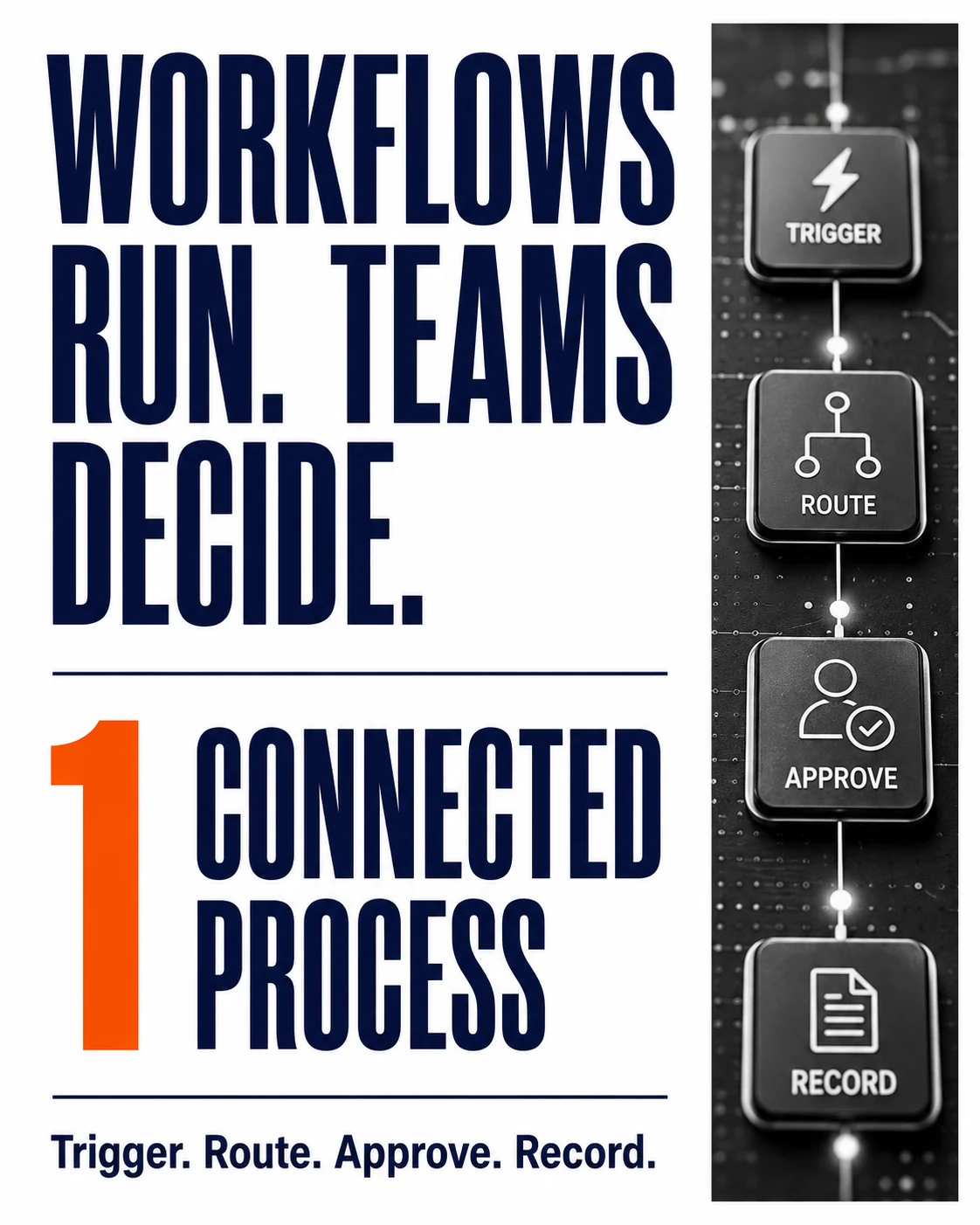
Workflow automation is the use of software to carry out a repeatable business process automatically, without someone manually performing each step. A process that used to require an employee to check a form, forward it to three people for approval, then manually enter the result into a spreadsheet becomes a system that routes, approves, and records itself, with a person only stepping in for the actual decision, not the busywork around it.

This is different from a single automated task, like an auto-reply email. Workflow automation connects multiple steps, often across multiple systems, into one process with a clear start, a clear end, and full visibility into where anything currently stands.

See What This Looks Like for Your Process

Types of Workflow Automation

Type What it does Good fit for
Task automation Automates one single, repeatable action, like sending a confirmation email Simple, isolated steps with no real decision-making involved
Process automation Connects several steps into one flow, with routing, approvals, and handoffs Most business workflows: onboarding, approvals, invoicing, reporting
Robotic process automation (RPA) Mimics manual clicks and data entry across existing software, without changing that software Legacy systems with no API, where rebuilding isn't realistic
AI-driven automation Adds judgment to the process: reading a document, categorizing a request, flagging an exception Workflows with steps that used to require a human to actually read or decide something

Most businesses that come to us need process automation as the foundation, with AI-driven automation layered in for the specific steps that used to require a person to actually think, not just click.

Find Out Which Type Fits Your Process

Why Austin Businesses Need Workflow Automation Now

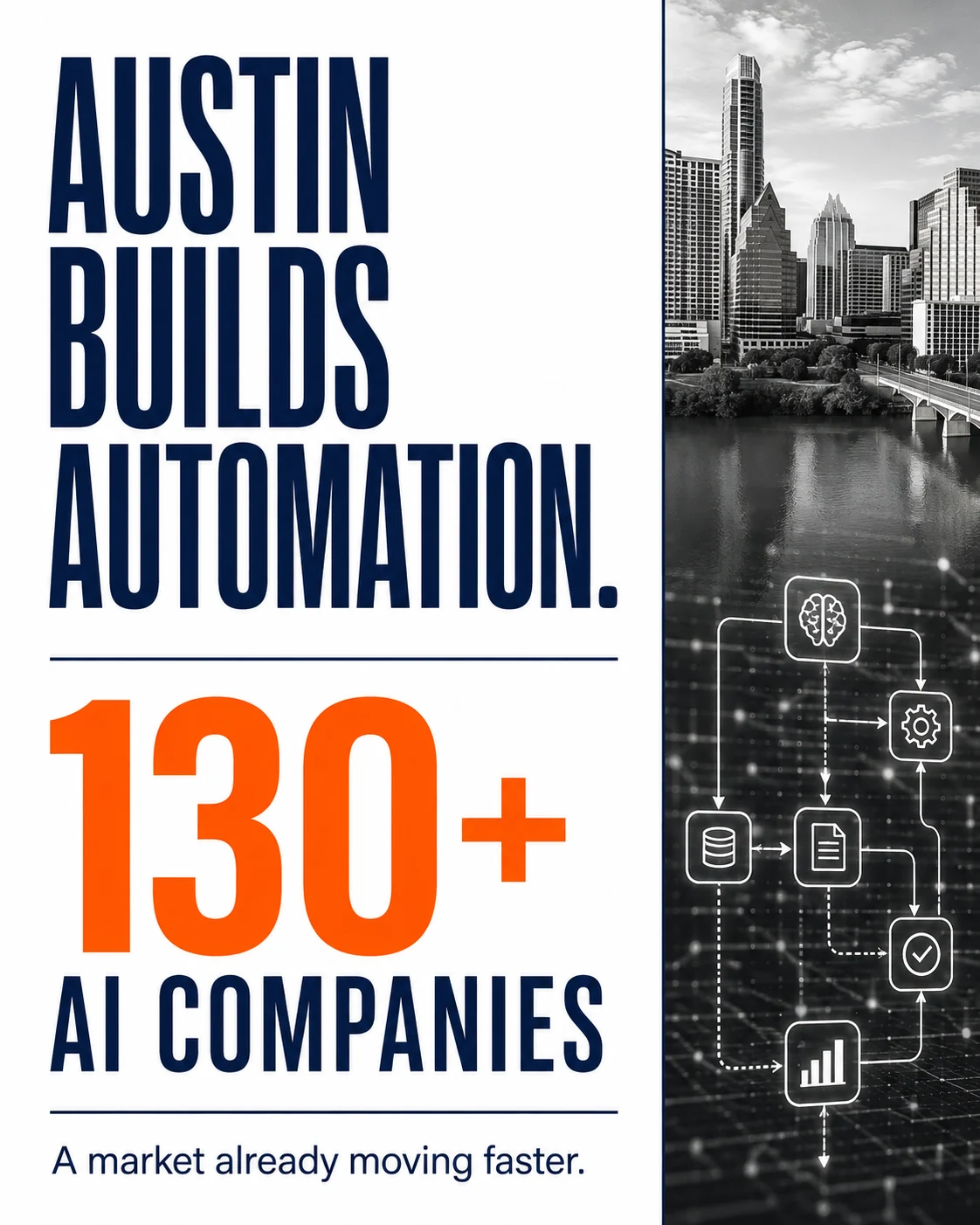
Austin's economy isn't just adopting automation, it's actively building it. The metro area is home to more than 130 companies building AI-powered tools, with enterprise automation named directly as one of the categories these companies are working in. When automation is this embedded in a market's own tech identity, the businesses operating in that market feel the absence of it faster than businesses elsewhere do, both from customers who expect a faster response and from competitors already running leaner internally.

Austin's mix of fast-scaling startups and large operational employers, including major manufacturing and semiconductor operations in the metro area, creates two very different but equally real automation needs: startups that need to stop process work from eating founder and ops-team time as headcount stays lean, and larger operations that need approval chains, reporting, and compliance steps to run reliably at real scale.

Tell Us What's Eating Your Team's Time

Signs Your Business Needs Workflow Automation

Most businesses don't set out to automate a process, they notice symptoms first. A few patterns worth paying attention to:

The same manual step happens dozens of times a week. If someone on your team is doing the exact same copy-paste, forward-this-email, or update-this-spreadsheet action repeatedly, that's the clearest automation signal there is.

Approvals stall without anyone noticing. If a request sits waiting for a sign-off and nobody realizes until the person asking follows up, the process has no visibility built in, which automation solves by design.

Growth is creating more admin work than revenue. If hiring or adding customers means proportionally more manual process work rather than the same process handling more volume, the process itself is the bottleneck, not your headcount.

Errors keep coming from re-entering the same data. Manually typing the same information into a second or third system is one of the most common, and most avoidable, sources of business errors.

Reporting takes real, human hours every single month. If someone spends part of every week manually compiling numbers that already exist somewhere else in your systems, that reporting cycle can almost always be automated.

Check Which Signs Apply to You

Our Workflow Automation Services in Austin

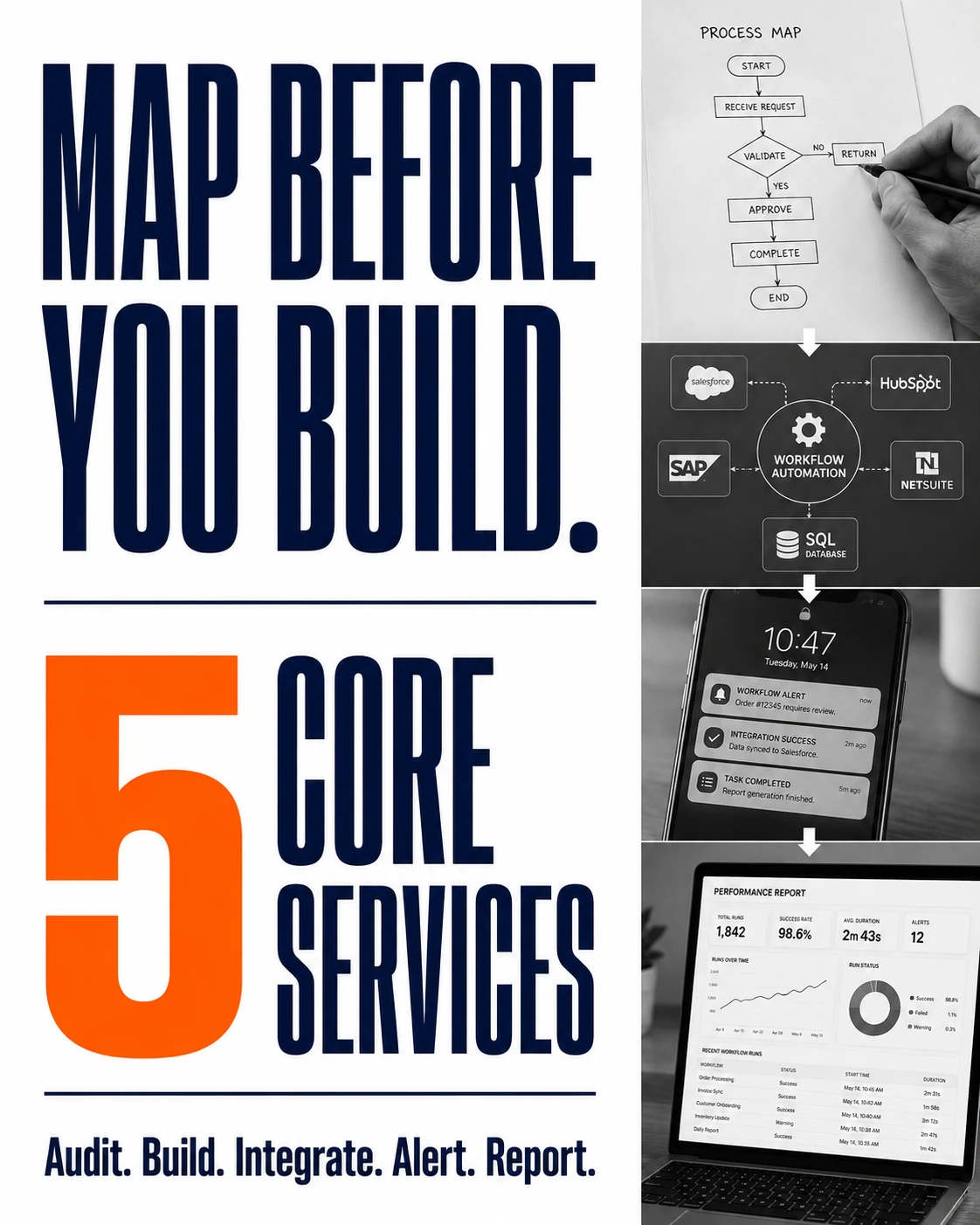
Process Mapping and Audit

Before anything gets built, we map your actual current process, not the process your documentation says you follow, but the one your team actually runs day to day, including the workarounds.

Custom Workflow Builds

Automated approval chains, routing logic, and handoffs built around your specific process, not a generic template that forces your business to adapt to the software instead of the other way around.

System Integration

Your workflow tools connecting to what you already use: CRMs, ERPs, payment systems, internal databases, so information moves automatically instead of being re-entered by hand at every handoff.

Notification and Alert Automation

The right person notified at the right step, automatically, instead of a process stalling because nobody knew it was their turn to act on it.

Reporting Automation

Status and performance data pulled automatically instead of manually compiled, so you can see where a process actually stands without asking someone to check.

Scope Your Automation Project

Common Manual Processes We Automate

Employee and client onboarding. Paperwork, account setup, and access requests handled through one connected flow instead of a checklist someone has to manually work through for every new person.

Approval chains. Purchase requests, expense reports, and sign-offs routed automatically to the right approver, with visibility into exactly where something is stuck, instead of a request disappearing into someone's inbox.

Invoicing and billing. Data pulled automatically from the source system into an invoice, instead of manually re-typed, which is also where most billing errors actually come from.

Customer or client status updates. Automatic notifications at each stage of a process, instead of a client emailing to ask what's happening because nobody proactively told them.

Compliance and reporting workflows. Recurring reports and compliance checks that run on schedule automatically, instead of depending on someone remembering to run them manually every month.

See If Your Process Fits This List

Our Workflow Automation Process

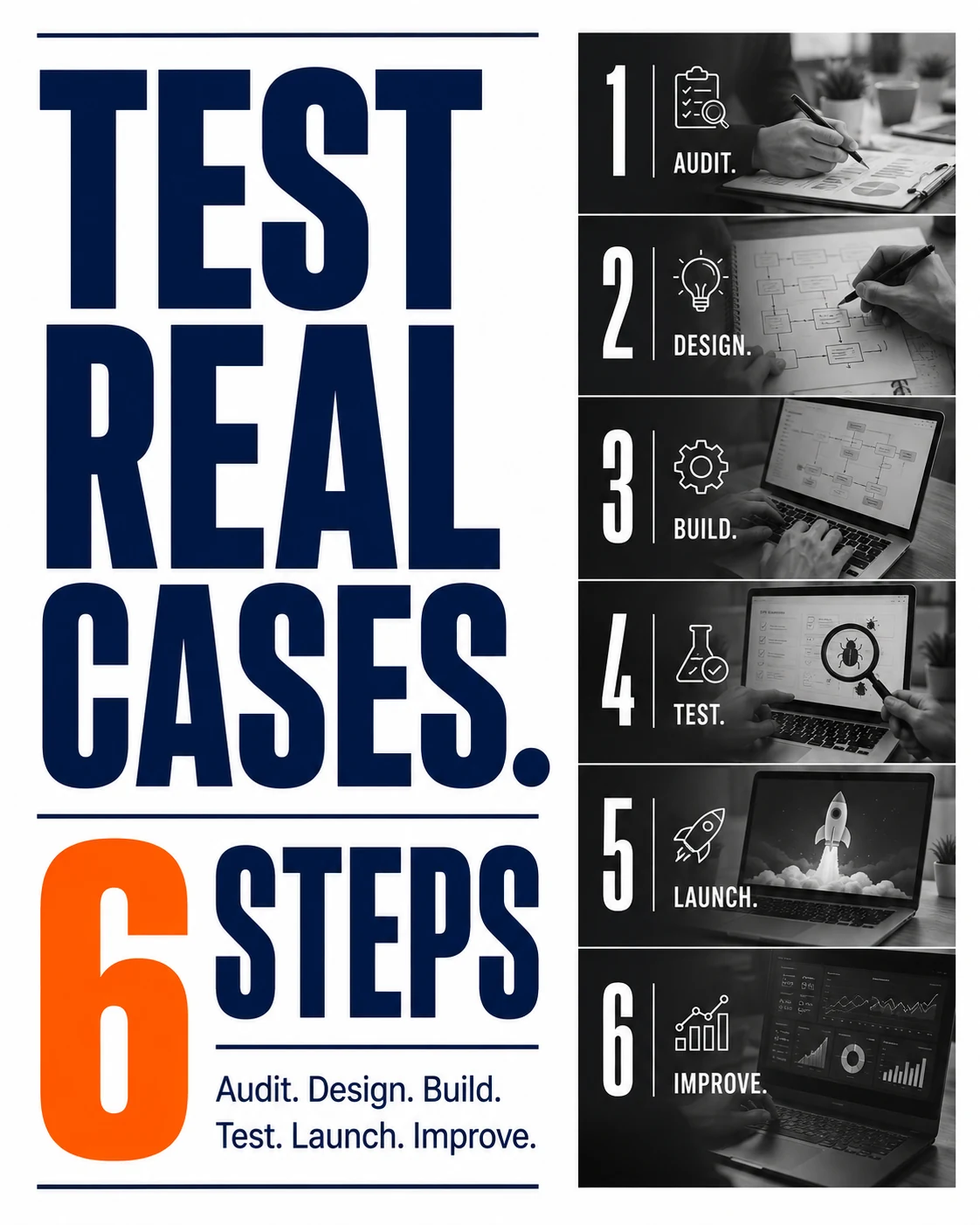
  • Process audit. We document your current process exactly as it actually runs, including manual workarounds nobody officially wrote down.
  • Automation design. Mapping which steps get automated outright, which need AI-driven judgment, and which genuinely still need a human decision.
  • Build and integration. Connecting the automation to your existing systems, not replacing them unnecessarily.
  • Testing against real cases. Running actual historical examples through the new workflow before it goes live, not just a clean demo case.
  • Launch and handoff. Your team trained on the new process, with clear documentation of what's automated and what still needs a human.
  • Monitoring and adjustment. Automated workflows get refined once real volume runs through them, not just left alone after launch.
Start With a Process Audit

Real Results: Turning a Manual Process Into an Automated Workflow

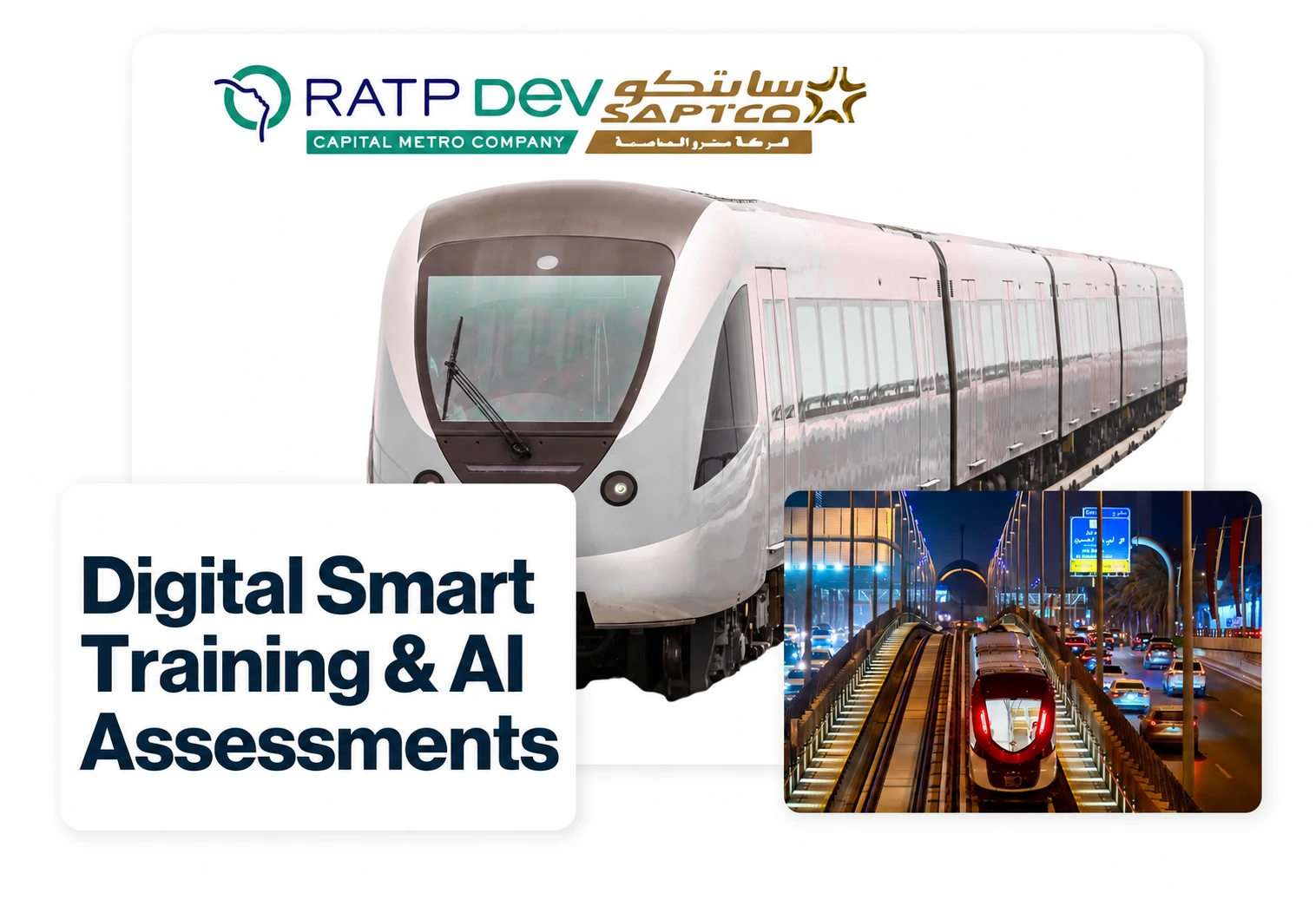
GO-Globe built a digital onboarding and training platform for Riyadh Metro's RATP Dev SAPTCO operation, replacing a fully paper-based process that had to onboard thousands of workers and contractors, with safety training that needed to be standardized and delivered in both Arabic and English.

The new system moved onboarding to 100% digital workflow: AI generates tests directly from training videos and text, each worker gets secure PIN-based access, test results and progress track in real time, and certificates issue automatically once a worker passes. The result was a 70% reduction in HR administrative time, since staff were no longer manually processing paperwork for every new worker, with 80% test accuracy achieved on the very first run of the new system.

Discuss a Similar Workflow for Your Business

How We Measure Whether Automation Actually Worked

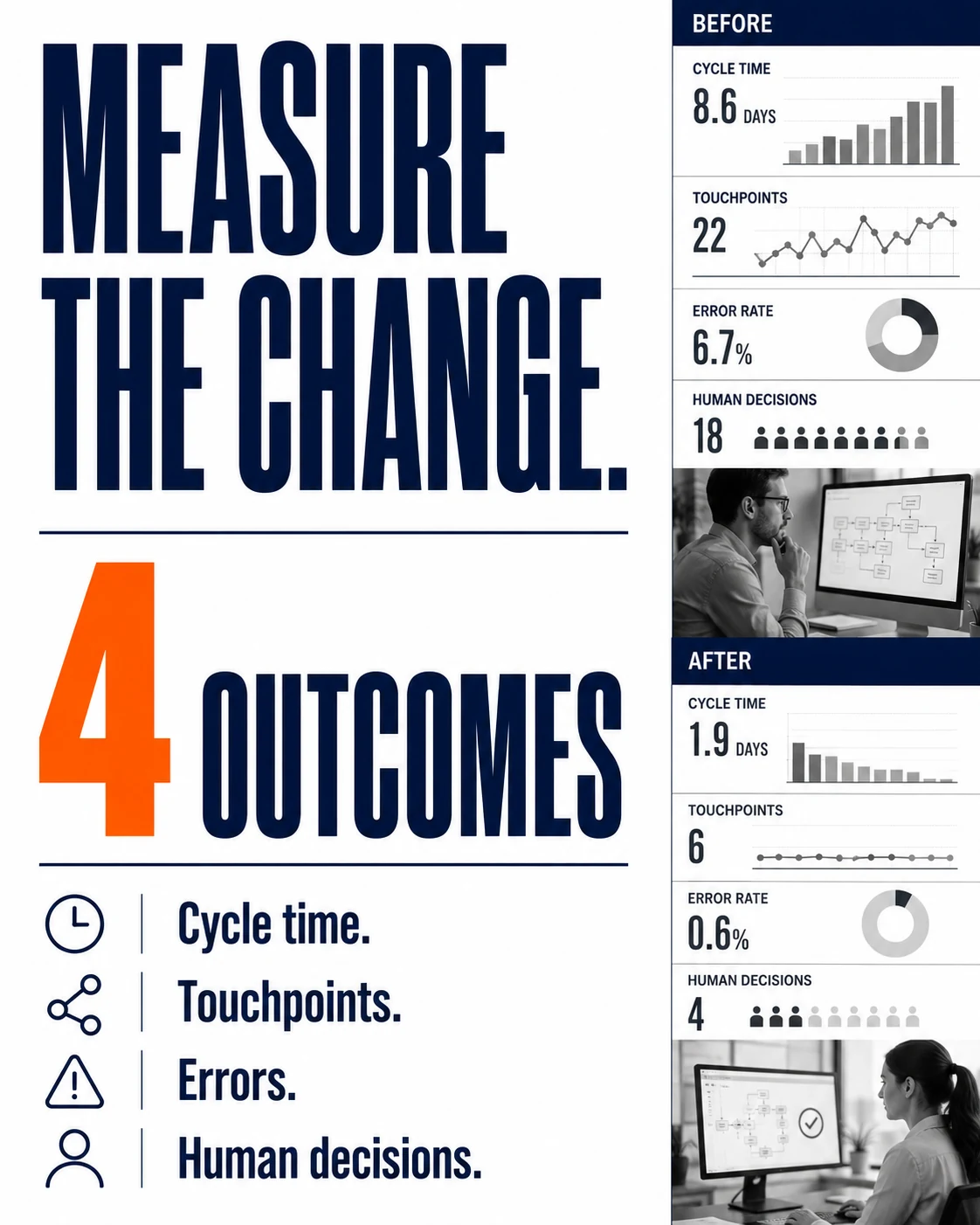
A workflow automation project that isn't measured is just a guess dressed up as a solution. We track specific, concrete outcomes, not vague improvement:

  • Time per process cycle, before and after. How long a single instance of the process took to complete, start to finish, measured the same way both times.
  • Manual touchpoints removed. A literal count of how many times a human had to intervene in the old process versus the new one.
  • Error rate. How often the process previously produced a mistake that needed correcting, and whether that rate actually drops after automation, not just whether it feels faster.
  • Where the process still needs a person. Full automation isn't always the right target. We document exactly which decisions genuinely still need human judgment, so that stays intentional, not accidental.

This is the same measurement discipline we apply across every service we deliver: a real before-and-after, not a general claim that things got better.

See How We'd Measure Your Process

Why Choose GO-Globe for Workflow Automation in Austin

GO-Globe has been building custom digital systems since 2005, with more than 700 projects delivered and over 460 clients across 28-plus locations globally. Workflow automation draws on the same core skill behind all of that work: understanding a real process well enough to build software around it correctly the first time, not a generic tool that half-fits.

A few things specifically shape how we approach workflow automation:

  • We map the real process, not the documented one. Most process documentation is already out of date by the time we see it. We start with what your team actually does.
  • Integration over replacement. We connect to your existing CRM, ERP, or internal systems wherever possible, instead of asking you to abandon tools that already work.
  • Built to handle exceptions, not just the happy path. A workflow that only works when everything goes perfectly isn't actually automated, it's just a demo. We test against real edge cases before launch.
  • One team beyond just automation. The same team that builds your workflow can also handle a connected Austin ERP system or make sure the whole setup is visible to AI search in Austin if that matters to how your business gets found.
Talk to Our Austin Automation Team

Frequently Asked Questions

Wondering what you’ll get, how we deliver, and what results to expect? This FAQ covers our process, tech stack, compliance approach, and post-launch support. GO-Globe helps unify systems into one intelligent hub — so employees, customers, and partners get what they need instantly.

They're largely the same idea described two different ways. Workflow automation usually refers to automating the specific sequence of steps and handoffs in a process. Business process automation is the broader term for automating a business function as a whole, which often includes several connected workflows.

Usually not. Most workflow automation connects to and coordinates between systems you already use, rather than replacing them. Replacement is sometimes the right call, but it's a decision made after the process audit, not before it.

It depends entirely on how many systems the workflow touches and how many exception cases exist. A single-department approval workflow can move faster than one spanning multiple teams and external systems. We'll give you a real timeline after the process audit, not before.

That's normal, and it's exactly what the process audit is for. We build the automation to handle your most common exceptions directly, and route the genuinely unusual cases to a person, rather than pretending every case fits one clean path.

Both, depending on the step. Some parts of a workflow are purely mechanical, moving and recording data. Others benefit from AI-driven judgment, like reading a document to categorize it or flagging something that looks unusual. We design each step around what it actually needs.

No. Smaller Austin businesses and startups often get more relative benefit, since a small team feels the cost of manual, repetitive work faster than a larger organization with dedicated staff to absorb it.

Get a Quick Call Back


    © 2005 - 2026 GO-Globe™ Driven by Your Success. Since 2005. All rights reserved.
    This site is protected by reCAPTCHA and the Google. Privacy Policy