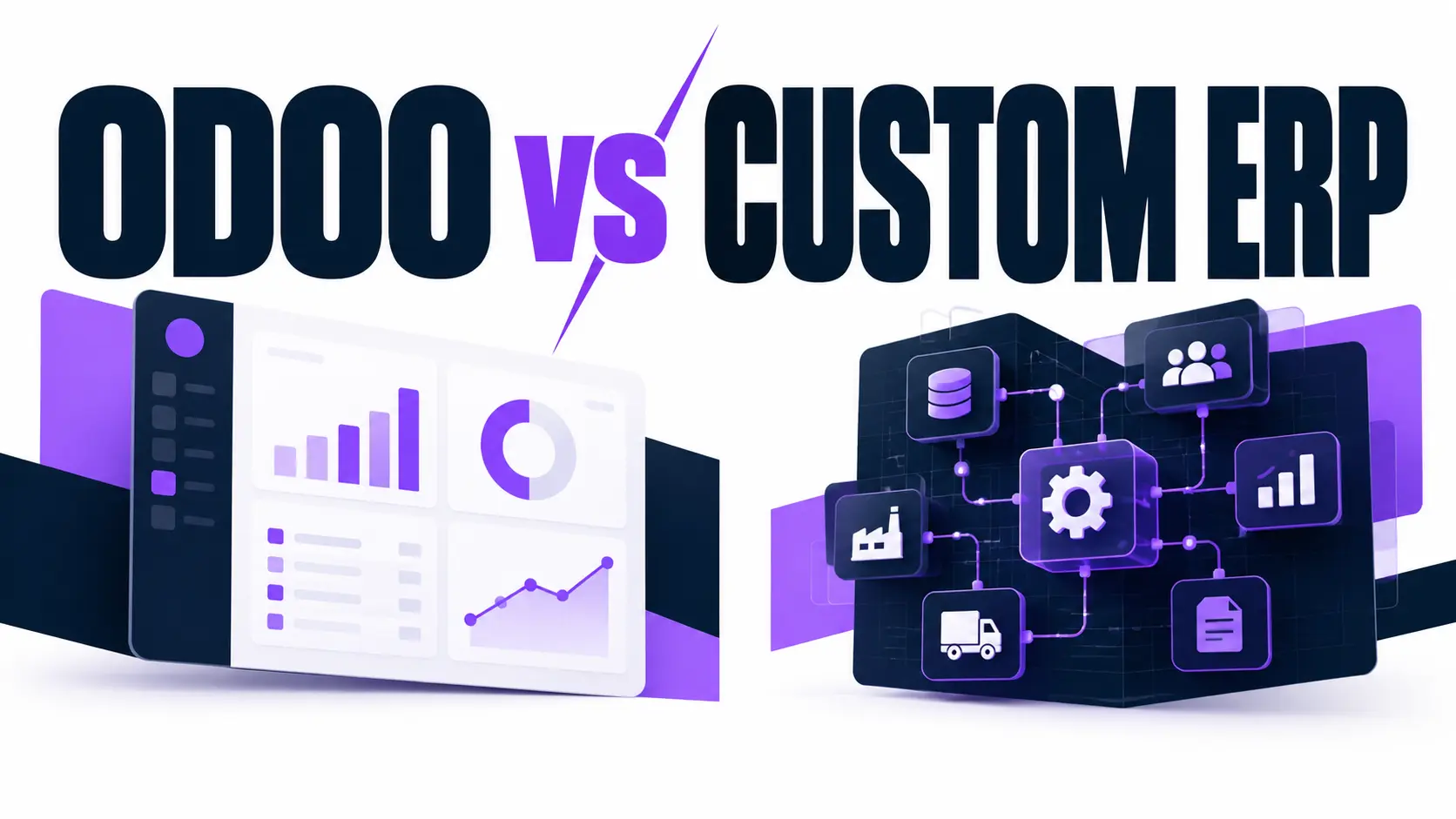
Odoo ERP suits most Malaysian small and mid-sized businesses with standard processes. It launches faster and costs less upfront. A custom-built ERP suits firms with unusual workflows, heavy integrations, or strict control needs. Compare process fit, total cost, and growth plans before choosing.
Odoo ERP Malaysia projects and custom-built ERP projects solve the same problem differently. Odoo is a modular, ready-made platform. A custom ERP is software written around your workflows. GO-Globe works with Odoo in its integration stack. This guide compares both on cost, speed, and fit.
Contents
- 1 What Does an Odoo ERP Malaysia Setup Include?
- 2 What Is a Custom-Built ERP?
- 3 How Do Odoo and a Custom-Built ERP Compare?
- 4 How Do Costs Differ Between Odoo and a Custom ERP?
- 5 What Does the Implementation Process Look Like?
- 6 Which Option Fits Your Business Size and Growth Plans?
- 7 What Risks Should You Check Before Signing?
- 8 What Should You Ask an ERP Partner Before Choosing?
- 9 Need Help Choosing the Right ERP for Your Business?
- 10 Frequently Asked Questions
- 10.1 Is Odoo suitable for small businesses in Malaysia?
- 10.2 Is a custom-built ERP more expensive than Odoo?
- 10.3 Can Odoo be customised to match my workflows?
- 10.4 Does Odoo support Malaysian tax and e-invoicing rules?
- 10.5 Which option is easier to maintain?
- 10.6 Can a business start with Odoo and move to a custom ERP later?
What Does an Odoo ERP Malaysia Setup Include?
An Odoo ERP Malaysia setup includes connected business apps on one shared database. Typical apps cover accounting, inventory, sales, purchasing, and HR. Odoo S.A. develops the platform. Businesses activate only the modules they use and add others as operations grow.
Which Odoo Editions Are Available?
Odoo offers 2 editions: Community and Enterprise. Community carries no licence fee and covers core apps. Enterprise charges per user and adds features such as full accounting and Odoo Studio. A qualified partner confirms module coverage during ERP system implementation.
Where Does Odoo Reach Its Limits?
Odoo handles standard processes well. Heavy changes to core logic raise upgrade costs. Each custom module needs testing against every new Odoo release, and Odoo publishes a new major version once a year. Businesses with highly unusual workflows reach this limit first.
What Must an ERP Support in Malaysia?
Malaysian businesses handle Sales and Service Tax (SST) and, depending on turnover, LHDN MyInvois e-invoicing. Confirm that the chosen Odoo version and its localisation modules cover both. The same requirement applies to a custom-built ERP.
What Is a Custom-Built ERP?
A custom-built ERP is business software designed and coded for one company's workflows. Developers build each module from written requirements instead of adapting a packaged product. The company decides scope, features, and release timing. Custom software development teams usually deliver the system in phases.
What Can a Custom ERP Cover?
A custom ERP covers only the modules a business specifies. Examples include finance, stock control, production approvals, and job costing. Each screen, report, and approval step follows the company's exact process, so staff do not adapt to default software behaviour.
What Are the Risks of Building From Scratch?
A custom build requires full requirements, design, coding, and testing before launch. That sequence takes longer than configuring Odoo. The company also carries all maintenance: bug fixes, security updates, and new features. Developer dependency is the main risk, so documentation and code ownership terms matter.
How Do Odoo and a Custom-Built ERP Compare?
The table below compares both options across 6 factors.
| Factor | Odoo | Custom-Built ERP |
| Upfront cost | Usually lower | Usually higher |
| Time to launch | Shorter, modules are configured | Longer, built and tested from scratch |
| Workflow fit | Strong for standard processes | Exact match to your processes |
| Licensing | Free Community or per-user Enterprise | No licence fee |
| Maintenance | Odoo releases plus partner support | Your team or developer |
| Vendor dependence | Odoo and an implementation partner | The development team |
Odoo leads on speed and licensing clarity. A custom ERP leads on exact workflow fit. Complex procurement management software rules, such as multi-level approvals, often decide which gap matters most to a business.
How Do Costs Differ Between Odoo and a Custom ERP?
Odoo carries lower upfront costs. A custom ERP carries higher upfront costs and no licence fee. Neither option has a fixed total, because scope and user count set the final figure. Cost comparisons work only when scope is identical. An Odoo quote for 3 modules and a custom quote for 12 features describe different projects.
What Does an Odoo Project Cost?
An Odoo project includes 5 cost items:
- Licences, if the business chooses Enterprise
- Implementation and configuration
- Data migration
- Custom modules
- Training and support
Licences repeat on a per-user basis, while the other items are mostly one-time or project-based.
What Does a Custom ERP Project Cost?
A custom ERP project includes 5 cost items:
- Requirements and design
- Development
- Testing
- Hosting
- Ongoing maintenance and upgrades
Ongoing maintenance replaces the licence fee as the recurring cost.
How Does Each Option Handle Customer and Sales Data?
Odoo includes a built-in CRM app that shares data with sales, invoicing, and inventory. A custom ERP either connects to an existing system through APIs or includes a purpose-built module. Businesses already running separate CRM software must verify integration depth before choosing.
What Does the Implementation Process Look Like?
Both options follow 4 phases: requirements, build or configuration, data migration with testing, and go-live with training. Odoo spends most effort on configuration. A custom ERP spends most effort on development.
How Does an Odoo Implementation Work?
An Odoo implementation starts with a process review. The partner configures the chosen modules, adjusts settings, and builds only the missing features. Staff test the setup with real data before go-live. Configuration replaces most coding, which shortens the build phase.
How Does a Custom ERP Build Work?
A custom ERP build starts with detailed specifications. Developers design the database, write each module, and test it against the specifications. Delivery in phases lets staff use finished modules early. Each phase needs sign-off, which keeps scope changes visible and controlled.
Which Option Fits Your Business Size and Growth Plans?
Odoo fits businesses with standard processes. A custom ERP fits businesses whose workflows no packaged product covers. Shortlists for the best ERP software in Malaysia often include SAP ERP as well, but this comparison covers only Odoo and custom builds.
When Does Odoo Fit Best?
Odoo fits best in 4 situations:
- Accounting, inventory, and sales follow standard flows
- The business must launch within a short period
- The development budget is limited
- Modules are added gradually as the business grows
When Does a Custom-Built ERP Fit Best?
A custom-built ERP fits best in 4 situations:
- Unusual workflows define how the business competes
- Many existing systems must connect to one platform
- Strict data control or hosting rules apply
- Order flows link an online store to the warehouse, which e-commerce development work can extend
What Should You Document Before Deciding?
Document 5 items before requesting quotes:
- Current processes and the spreadsheets that support them
- Number of users and branches
- Systems that must connect to the ERP
- Compliance needs, including SST and MyInvois
- Budget and target launch date
A written scope lets vendors quote Odoo and custom builds on the same basis. The quotes then compare directly.
What Risks Should You Check Before Signing?
Three risks affect both options: poor data migration, low staff adoption, and unclear scope. Each risk raises cost and delays launch. Checking all three before signing protects the project budget.
How Does Data Migration Affect an ERP Project?
Data migration moves customers, suppliers, products, and balances into the new ERP. Duplicate records and inconsistent formats cause errors. Clean the data before migration. Test the import on a small sample first, then run the full transfer.
Why Does Staff Adoption Matter?
An ERP delivers value only when staff use it daily. Training before go-live reduces data entry mistakes. Odoo ships with standard documentation and screens. A custom ERP matches current habits but needs its own manuals and training sessions.
What Should You Ask an ERP Partner Before Choosing?
Ask 6 questions before choosing a partner:
- Which modules and Odoo version do you recommend, and why?
- Does the setup cover SST and MyInvois?
- Who owns the source code for custom work?
- How are updates and bug fixes handled after launch?
- Which existing systems connect, and how?
- Can the ERP connect to client portal development for customers or suppliers?
Need Help Choosing the Right ERP for Your Business?
GO-Globe works with Odoo in its integration stack and builds custom software, so the comparison stays neutral. Share your workflows, user count, and existing systems. The team then recommends the route that matches them. Request an ERP consultation to start the conversation.
Frequently Asked Questions
Is Odoo suitable for small businesses in Malaysia?
Yes, when processes are standard. Odoo's modular apps let a small business start with 1 or 2 modules and add others later. Confirm SST and MyInvois support before purchase.
Is a custom-built ERP more expensive than Odoo?
A custom-built ERP usually costs more upfront because development starts from zero. Odoo adds licence fees for Enterprise. Total cost depends on scope, user count, and maintenance needs.
Can Odoo be customised to match my workflows?
Yes, Developers extend Odoo with custom modules. Heavy changes to core logic raise testing and upgrade effort with each yearly release.
Does Odoo support Malaysian tax and e-invoicing rules?
Support depends on the Odoo version and installed localisation modules. Confirm SST and MyInvois coverage in writing with the implementation partner before signing.
Which option is easier to maintain?
Odoo is easier to maintain for standard setups, because Odoo S.A. releases updates and an implementation partner supports them. A custom ERP places all maintenance on the owner's team or developer.
Can a business start with Odoo and move to a custom ERP later?
Yes, A module-by-module replacement with a clear data migration plan lowers the risk of moving to a custom system later.