...

Workflow Automation in New York

GO-Globe builds custom workflow automation for businesses in New York City. We have been building business systems since 2005 and have delivered more than 800 projects for clients in over 25 countries.

Workflow automation removes the manual steps between one part of a process and the next. The approval sitting unread in someone's inbox for three days. The invoice retyped from a PDF into an accounting system. The onboarding checklist that lives in a spreadsheet and gets forgotten. Those are the steps automation takes out.

This page covers what workflow automation is, which processes are worth automating first, when a connector platform is the right answer and when it is not, and what drives cost and timeline.

Book a Free Consultation
  • Group 39441
    Group 41591
    Group 38992
    Group 38412
  • Group 39422
    Group 4170
    Group 4171
    Group 3943
  • Group4
    Group 41644
    Frame4
    Group 4172
    Group 41674
    Group 41664
    Frame4
    jar3OT.tif
    Frame
  • layer1
    Group 4174
    Group 4175
    Group 4176
    Group 4177
    Group 4178
    logo
    Frame
    Frame
    Group 4179
    Group 4169
About GO-Globe

Top quality, technology innovation, modern systems since 2005

GO-Globe leads in Corporate Web Apps, Custom Development, E-Commerce, ERP, AI Innovations, Branding, Hosting, and Business Advice.
Our expertise covers custom web design & development, mobile apps, e-commerce, VR/AR, AI ChatBots, and top consultancy. We serve various industries globally.
Founded in 2005 in Dubai, our clients include businesses, governments, royal families and charities. They all benefit from our profit-focused approach and fair policies.
Boost your profits with GO-Globe – your partner in innovation and growth!

What Workflow Automation Is

Workflow automation is software that moves a business process from step to step without a person having to push it along. It handles the routing, the reminders, the record keeping and the handoffs that people currently do by hand.

It is worth separating two terms that get used interchangeably.

Task automation handles one repeated action, such as sending a confirmation email when a form is submitted.

Workflow automation handles a whole sequence, including the decisions and approvals inside it. A purchase request that routes to a manager, escalates if unanswered after two days, checks the amount against a spending threshold, routes again to finance if it exceeds that threshold, then creates the purchase order and notifies the supplier. That is a workflow, not a task.

Workflow automation is one method inside the wider field of business process automation, which is about deciding where a business should be automating in the first place. This page assumes you already know which process needs fixing.

Two things workflow automation is not. It is not the same as replacing staff, because the work it removes is coordination rather than judgement. And it is not a chatbot, though the two are often sold together.

Explore Workflow Automation

Which Business Processes Can Be Automated

The processes worth automating first share three traits: they repeat on a predictable schedule, they follow rules that can be written down, and they currently pass through more than one person.

If a process fails any of those three tests, automating it usually locks in a problem rather than solving it.

Processes that automate well:

  • Approvals. Purchase orders, leave requests, expense claims, contract sign-off, discount authorisation.
  • Document processing. Invoices, application forms, compliance certificates, delivery notes.
  • Employee onboarding and offboarding. Account creation, equipment requests, policy acknowledgements, training assignment, access revocation.
  • Customer onboarding. Account setup, document collection, verification, welcome sequences.
  • Quote and proposal generation. Pulling pricing and terms into a document from a live source rather than a saved template.
  • Compliance and certification tracking. Expiry monitoring, renewal reminders, evidence collection, audit trails.
  • Ticket routing and escalation. Assigning work by category, priority and workload rather than by whoever sees it first.
  • Data synchronisation. Keeping a CRM, an accounting system and an ecommerce platform in agreement without anyone rekeying.

Most of these processes already run inside systems the business owns. Purchase orders and approvals usually sit in ERP systems. Customer records sit in CRM systems. Procurement documents move through supplier portals, client requests through customer portals, and internal requests through employee portals. Workflow automation is the layer that connects them, so a step finishing in one system starts the next step in another instead of a person carrying the information across.

Processes that do not automate well: anything still changing week to week, anything nobody in the business can fully explain, and anything where the rules are actually judgement calls being described as rules. In those cases the first job is writing the process down, not automating it.

Case study: automating scheduling and billing for TrainerHQ

TrainerHQ is a fitness marketplace connecting personal trainers with clients. Scheduling, billing, coaching content and messaging each lived in a separate tool. Nothing passed information to anything else, so every booking and every payment involved manual coordination.

GO-Globe built a single platform with two connected portals, one for trainers and one for clients, covering scheduling, payments and subscriptions, video lessons, nutrition planning, chat and progress tracking.

Time spent on scheduling and billing dropped by 50%.

That reduction did not come from doing the same work faster. It came from the work no longer needing to be done.


Identify Processes to Automate
Americana Food

Document Workflow Automation

Document workflow automation moves a document through its full lifecycle without manual handling: capture, data extraction, routing, approval, storage and retrieval.

The typical starting point is invoices. An invoice arrives by email, someone opens it, reads the supplier name and amount, types both into an accounting system, saves the file somewhere, then emails a manager for approval. Automated, the same invoice is captured on arrival, its data extracted, matched against the purchase order, routed to the right approver based on value, and filed with the approval recorded against it.

Document processes we automate:

  • Invoice capture, matching and approval routing
  • Contract routing, signature tracking and renewal alerts
  • Application and enrolment forms
  • Compliance certificates with expiry monitoring
  • Delivery notes and proof of delivery
  • Internal forms that currently exist as email attachments

The measurable gain is usually not the time saved per document. It is the exceptions caught. A document workflow that flags a mismatch between an invoice and a purchase order pays for itself the first time it catches one.

Automate Your Document Workflow

Approval Workflow Automation

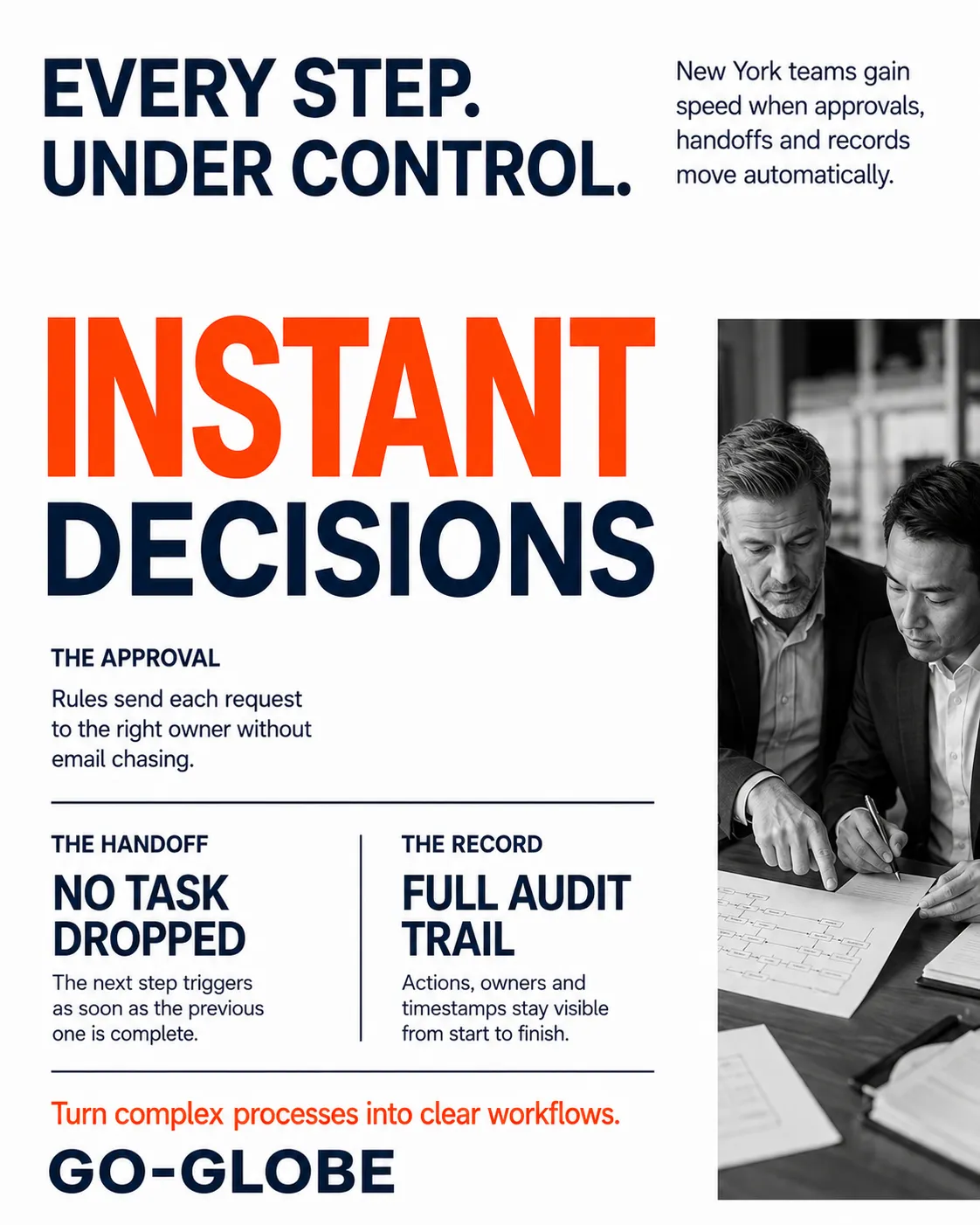
An approval workflow routes a request to the right person, tracks whether they have responded, escalates when they have not, and keeps a record of the decision.

Most approval processes in a business are not written down anywhere. They exist as habits. Automating one forces the rules into the open, which is often the first useful outcome before any software runs.

What an automated approval workflow handles:

  • Routing rules. Who approves what, based on department, value, category or risk.
  • Thresholds. Requests under a set value approved automatically, above it escalated.
  • Sequential and parallel approval. One after another, or several at once.
  • Delegation. Cover when an approver is on leave, so nothing stalls.
  • Escalation. Automatic reminders, then reassignment after a set period.
  • Audit trail. Who approved what, when, and on what information.

The audit trail matters more than it first appears. In a regulated or contractual process, being able to show the decision path is often worth more than the time the automation saves.

Streamline Your Approval Process

Custom Automation or a Connector Platform

This is the decision most workflow automation projects get wrong, so it is worth being direct about it.

GO-Globe builds custom automation solutions. When connector platforms such as Make, n8n, Power Automate or Zapier are the right tool, we integrate them. When the business needs more flexibility, security or scalability, we develop custom automation instead.

We are not a connector implementation agency. That distinction is deliberate, and here is the honest version of when each approach wins.

A connector platform is right when Building custom is right when
You are joining two or three mainstream apps The process spans many systems, or one with no usable API
Those apps have well-documented APIs Logic includes conditions a connector cannot express
Volume is low, in the hundreds per month Volume is high, where per-task pricing becomes expensive
The process is stable and simple Data is sensitive, regulated or subject to audit
You need it working this month You need to own the logic rather than rent it
Nobody needs to own the underlying code Downtime in the platform would be a business problem


The trap is per-task pricing. A connector platform is cheap at a thousand operations a month and expensive at a million. Businesses often discover this a year in, at which point the process is embedded and moving it is a project in itself. Worth modelling the cost at your expected volume before committing, not after.

Our stack: Custom automation built in Node.js, PHP (Laravel), React and .NET, connected through REST APIs. Integrations with ERP, CRM and accounting systems. AI agents where the process needs interpretation rather than fixed rules. Connector platforms integrated where they are genuinely the better tool.

Where an automation needs an interface of its own, a dashboard, a request form or an approval queue, we build it as one of our custom web applications. It runs on the same stack as our web development in New York work, which means the automation and the system it sits inside do not end up as two disconnected projects with two different owners.

Choose the Right Automation Approach

What Determines Workflow Automation Cost in New York

We do not publish fixed prices, because the same brief costs very different amounts depending on scope. What we can do is tell you exactly what moves the number.

Six factors determine the cost of a workflow automation project:

  • How many processes. One well-chosen process costs a fraction of five.
  • How many steps and decision points inside each one. A three-step linear approval is straightforward. A twelve-step process with conditional branches and parallel approvals is not.
  • How many systems it has to connect to, and whether those systems have usable APIs. A system with no API is the single biggest cost multiplier in automation work.
  • Transaction volume. Volume changes the architecture, not just the running cost.
  • Whether documents need reading. Extracting data from PDFs, scans or unstructured forms adds a layer that rules-based routing does not.
  • Compliance and audit requirements. Access control, retention rules and audit trails add work, and they cannot sensibly be added later.

One cost point most agencies will not mention. Connector platforms carry ongoing per-task or per-user fees that scale with your usage. Custom automation carries a higher build cost and a lower running cost. Over a three-year horizon the cheaper option on day one is frequently the more expensive one overall. Ask any agency to model both.

How our pricing works: we quote after discovery, once the process is mapped and the scope is written down. The quote is fixed against that scope. Changes are priced before the work is done, not after.

Get a Workflow Automation Quote

How Long Workflow Automation Takes to Implement

A first automated workflow typically goes live in six to ten weeks: one to two weeks of discovery and process mapping, then four to eight weeks of build and testing.

Phase Duration What happens
Discovery and process mapping 1 to 2 weeks Current process documented, rules confirmed, exceptions identified, scope agreed
Build and testing 4 to 8 weeks Development, integration, testing against real cases including failures
First workflow live 6 to 10 weeks


What extends it: systems without APIs, processes nobody has documented, approval chains that turn out to be undefined, and waiting on access to the systems being connected.

What shortens it: a written process map before the project starts, and one person on your side who can decide what the rules actually are.

The most common mistake is automating five processes at once. One process, live and working, teaches you more about the next four than any amount of planning does.

Plan Your Automation Timeline

How to Choose a Workflow Automation Company in New York

Most automation agencies describe themselves the same way. These seven questions separate them quickly.

  • Do you build, or do you only configure? There is nothing wrong with a connector specialist, but you should know which one you are hiring before you scope the work.
  • What happens when the platform changes its pricing? If the automation runs on a third-party plan, that plan's pricing is now part of your operating cost. Ask what the migration path looks like.
  • Who owns the automation logic? If it lives entirely inside a vendor account you do not control, you do not own your process. Get the answer in the contract.
  • Will you map the process before quoting? Any firm quoting a fixed price before seeing the actual process is guessing, and the guess will be corrected later at your expense.
  • What happens when it fails? Every automated workflow fails eventually, through a bad input, an API change or an edge case nobody predicted. Ask what the exception path is, who gets alerted, and whether work queues or silently disappears. This question tells you more about an agency than any case study.
  • How is access controlled and audited? Particularly for approvals, payments and anything involving personal data.
  • Can you show a reference with a comparable process? Not a comparable industry. A comparable process. Automating approvals in a hospital and in a logistics firm are more alike than automating approvals and automating document extraction in the same hospital.
Talk to an Automation Expert

Why New York Businesses Work With GO-Globe

Twenty years of building business systems. Founded in 2005, more than 800 projects delivered.

International scale. Clients in over 25 countries across corporate, government and enterprise sectors.

Enterprise experience. Systems delivered for organisations including Shell, Nestlé, LG and Dubai Municipality.

Custom first, platform when it makes sense. We are not tied to a single tool, so the recommendation is not decided before we understand the process.

A named stack. Node.js, PHP (Laravel), React, .NET, REST APIs, PostgreSQL, MySQL, AWS and Azure. You always know what your automation is built in and who can maintain it.

Recognised work. Named UI Design Agency of the Month in November 2019 by TDA.

More examples of the systems we have delivered are in our work, and feedback from the organisations we build for is in client reviews.

Talk to us: call +1 571 208 8604 or book a strategy session.

Discuss Your Automation Project

Frequently Asked Questions

Wondering what you’ll get, how we deliver, and what results to expect? This FAQ covers our process, tech stack, compliance approach, and post-launch support. GO-Globe helps unify systems into one intelligent hub — so employees, customers, and partners get what they need instantly.

Workflow automation is software that moves a business process from step to step without a person having to push it along. It handles routing, reminders, record keeping and handoffs. The benefit is not that people work faster. It is that coordination work stops existing, which removes both the time it consumed and the errors it introduced.

Processes that repeat predictably, follow rules that can be written down, and pass through more than one person. Common examples are approvals such as purchase orders and expense claims, document processing such as invoice capture and matching, employee and customer onboarding, quote generation, compliance and certification tracking, ticket routing, and keeping data synchronised between separate systems.

Cost is determined by six things: how many processes are being automated, how many steps and decision points each contains, how many systems must connect and whether they have usable APIs, transaction volume, whether documents need to be read and their data extracted, and what compliance and audit requirements apply. GO-Globe quotes after discovery, once the process is mapped, and prices any change to that scope before the work is done.

A first automated workflow typically goes live in six to ten weeks. That breaks down into one to two weeks of discovery and process mapping, followed by four to eight weeks of build and testing. Systems without APIs and undocumented approval chains are the two most common causes of delay.

Ask seven questions: whether they build or only configure, what happens if the platform's pricing changes, who owns the automation logic, whether they map the process before quoting, what the exception path is when an automation fails, how access is controlled and audited, and whether they can provide a reference with a comparable process rather than a comparable industry.

Business process automation is the broader category, covering an organisation's approach to automating work across departments. Workflow automation is one method inside it, focused on a specific sequence of steps, approvals and handoffs within a defined process. A business process automation programme usually contains several individual workflow automations.

Use a connector platform such as Zapier, Make, n8n or Power Automate when you are joining two or three mainstream apps with good APIs, at low volume, in a stable process. Build custom when the process spans many systems, involves sensitive or regulated data, needs logic a connector cannot express, or runs at a volume where per-task pricing becomes expensive. GO-Globe does both and will say which one fits before quoting.


Every automated workflow eventually encounters an input, an API change or an edge case it was not built for. A well-built automation routes the failure to a person, alerts someone specific, and holds the work in a queue rather than dropping it silently. Ask any automation provider to explain their exception handling before signing, because silent failure is far more damaging than no automation at all.

Get a Quick Call Back


    © 2005 - 2026 GO-Globe™ Driven by Your Success. Since 2005. All rights reserved.
    This site is protected by reCAPTCHA and the Google. Privacy Policy